Technology / Cybersecurity — Chrome Gemini scam detection ClickFix protections move to Google's servers, widening the hunt for fake antivirus pages and booby-trapped copy-paste commands.

Chrome Gemini scam detection ClickFix warnings are the two halves of a single change Google announced on October 20: the browser will now judge both the pages you visit and the commands you copy. BleepingComputer and Help Net Security reported on October 20 to 22 that Chrome's Safe Browsing Enhanced Protection is moving its Gemini-powered scam detection from a small on-device model to a more powerful server-side model, available to all Enhanced Protection users rather than only those with supported hardware. At the same time, Chrome will begin checking commands copied from web pages, a direct response to ClickFix attacks that trick people into infecting their own computers by pasting a command into a terminal.
The shift matters because the scams themselves have shifted. Fake antivirus alerts and fraudulent browser-update pages do not break through the browser's defences with code. They frighten the person using it into opening the door — calling a fake support number, installing a fake update, or running a fake fix. Google said in its October 20 announcement that the new model assesses the brand a page appears to represent, its apparent intent, and the likelihood it is a scam, combining those judgements with domain reputation and other signals. Chrome is being taught to ask whether a page is lying about what it is.
From an on-device model to a server-side one
Safe Browsing's Enhanced Protection tier was introduced in 2020, and Google said in its October 20 announcement that its users are about ten times safer from phishing, social engineering, and notification abuse than users of Standard Protection — a figure presented here as Google's own claim, not an independent measurement. In 2025, Google added Gemini-based detection for tech-support scams using an on-device model, which kept page content on the machine but had the practical limits of small models and supported hardware only, as BleepingComputer reported on October 20.
The server-side model removes that hardware lottery. Because the analysis now runs on Google's systems, every Enhanced Protection user can receive it, and Google can update the model centrally as scam templates change, rather than waiting for browser releases to reach each device. The scope also widens beyond tech-support scams to fake antivirus alerts, fraudulent browser-update pages, and other deceptive sites, Help Net Security reported on October 21. Scam pages are disposable by design — registered, used for hours, and abandoned — so a model that reads meaning and intent can, in principle, flag a brand-new page that no blocklist has ever seen. That is the core technical promise: detection based on behaviour and impersonation, not only on reputation.
A new warning tier between silence and the red page
Alongside the model, Google announced on October 20 a new "suspicious site" warning tier for pages that show deceptive patterns but fall below the threshold for Chrome's full-page red warning. Until now, browsers faced an awkward binary: block a page outright and risk false alarms that train users to ignore warnings, or stay silent about a page that looks wrong. An intermediate warning lets Chrome urge caution without claiming certainty. Google said the tier will allow it to show more warnings overall, because the cost of a borderline call is lower when the warning itself is proportionate.
The privacy design will decide whether users accept the trade. According to Google's October 20 announcement, page text is sent to its servers only when high-confidence scam indicators are already present, and the text is processed ephemerally — never logged, retained, or used for training. Critics of server-side scanning will note that "only when indicators appear" still means some page content leaves the device, and that users must trust the ephemerality promise rather than verify it. Supporters answer that the alternative — on-device-only detection — demonstrably left unsupported hardware unprotected, and that Standard Protection users keep on-device-only processing under the new system, as Google confirmed on October 20, even though they do not receive these new detections. Both positions are coherent; the setting, explained below, lets each user choose which risk they prefer.
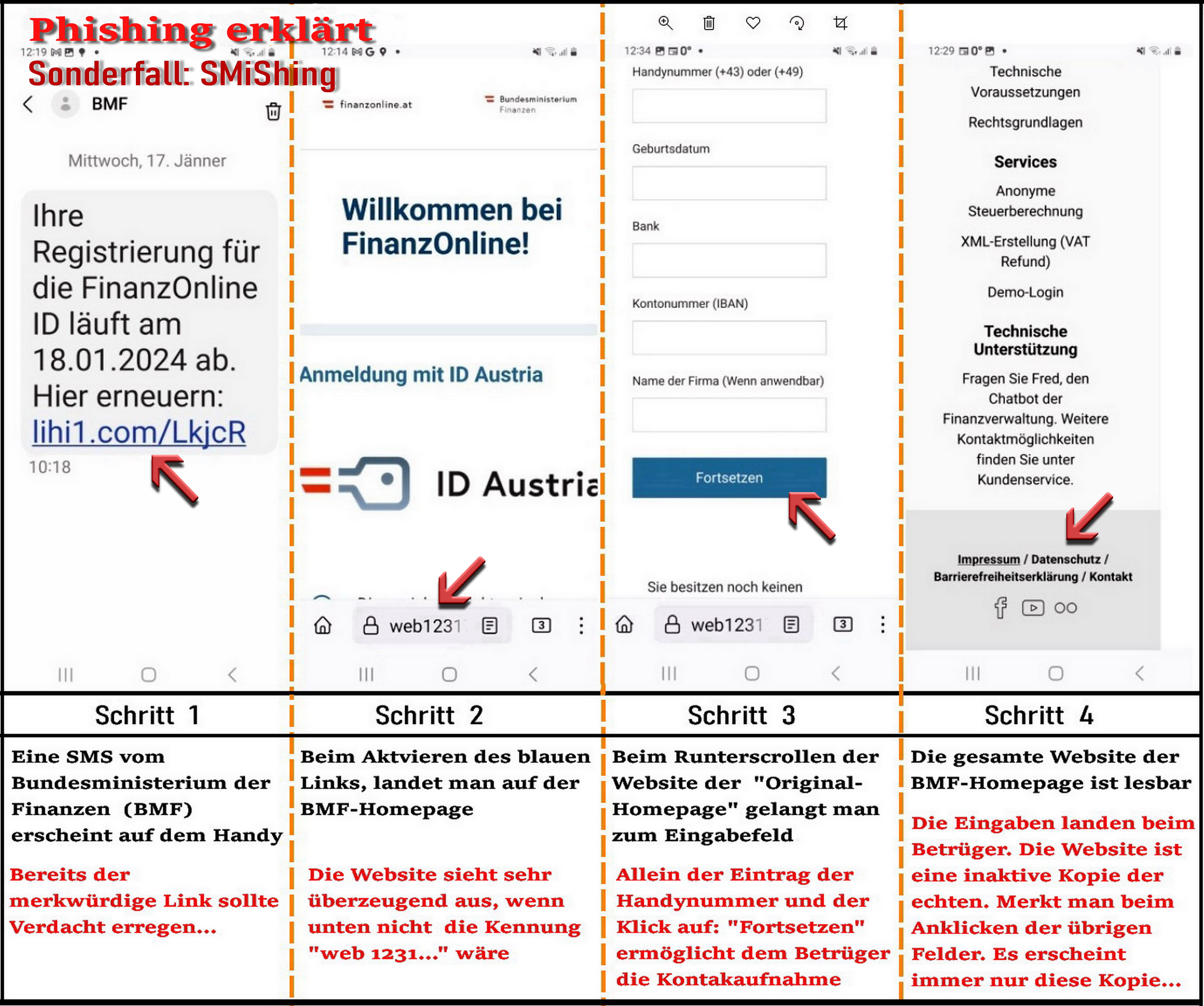
ClickFix: when the user becomes the download
The second half of the announcement addresses ClickFix, an attack pattern that has spread precisely because it bypasses download protections. A compromised or malicious page displays a fake error — a failed update, a broken document, a verification step — and instructs the visitor to copy a command and run it, often in PowerShell or cmd.exe, as BleepingComputer explained on October 20. The command abuses legitimate system tools, sometimes called living-off-the-land binaries, to fetch malware after the fact. Nothing malicious is downloaded by the browser, so download scanning sees nothing. Worse, the command actually copied can differ from the command displayed on the page, so even a cautious user who reads the visible text may paste something else entirely.
Chrome's response is to inspect the clipboard's contents at the moment of risk. Google said on October 20 that when a user copies a command from a web page, Chrome can strip personally identifiable information from it, send it to Safe Browsing for assessment, and warn the user if the command is judged dangerous. That design targets the exact gap ClickFix exploits: the gap between what a page shows and what a clipboard carries. It will not catch commands typed by hand, dictated by phone scammers, or copied from messaging apps, and Google does not claim otherwise in its October 20 announcement. But for the web-borne version of the attack, the warning arrives at the one moment that matters — after the copy, before the paste is run.
Why this matters
Why this matters is that browser security is quietly changing its subject. For two decades, browsers defended against malicious code. Increasingly, they must defend against malicious instructions aimed at the human, delivered through perfectly legitimate features: notifications, support pages, update prompts, and clipboards. A fake antivirus page contains no exploit; its payload is panic. A ClickFix command is not smuggled past the user; it is handed to the user with a plausible story. Defending against persuasion requires judgement about brand, intent, and context — exactly the kind of fuzzy assessment large language models are built for, and exactly the kind that can go wrong, flagging a small business's clumsy update page or missing a scam written in a language or style the model rarely sees.
The numbers put the change in context. Google's claim, in its October 20 announcement, that Enhanced Protection users are about ten times safer than Standard Protection users from phishing and social engineering suggests the biggest gains in browser security now come from opt-in intelligence rather than from the baseline everyone receives. That creates an uncomfortable comparison with adjacent trust problems on the web, from weak certificate practices examined in the eMudhra certificate case to debates over open model safety in Moonshot's Kimi release: in each, the question is who gets to judge trustworthiness, and how quickly that judgement can be corrected when it errs. A server-side model can be corrected centrally within hours. It can also be changed centrally without any user noticing, which is why Google's ephemerality and no-training commitments, stated on October 20, deserve to be held to account over time.
How to turn it on, and what to do if you already clicked
The practical steps are simple. To enable Enhanced Protection, open Chrome's settings, go to Privacy and security, then Security, and select Enhanced Protection under Safe Browsing; the change applies across signed-in devices where the setting syncs. With it on, expect two kinds of interruption: the familiar full-page red warning for sites judged dangerous, and the new, milder suspicious-site warning for pages with deceptive patterns — treat the milder warning as a reason to close the tab and navigate to the real service by typing its address yourself, never by using the page's buttons or phone numbers. A genuine antivirus or browser update never arrives as a web page demanding urgent action, and Chrome updates itself silently in the background.
If you already ran a pasted command, act as if the machine is compromised. Disconnect from sensitive accounts on that device, run a full scan with reputable security software, change important passwords from a different, clean device, and watch financial accounts closely. If it was a work computer, tell your IT team exactly what happened and when; ClickFix incidents are common enough, as Help Net Security noted on October 21, that early honesty beats embarrassment-driven silence. Prevention remains simpler: never run a command a website gives you, however official the error looks.

What happens next
What happens next depends on false positives and on adaptation. Scam operators test defences for a living, and a model that reads brand and intent will be probed with pages that imitate legitimate warnings ever more closely. Google will be judged on whether the suspicious-site tier catches real scams without crying wolf at small sites, and on whether it reports error rates as openly as it reported the ten-times-safer figure on October 20. For users, the immediate decision is a genuine one: Enhanced Protection now offers materially broader detection, at the price of occasional, conditional page-text processing on Google's servers under the ephemerality terms Google described. Standard Protection remains on-device and more private, but without these detections. Chrome has made the trade explicit. Choosing, rather than defaulting, is the point.